• WHO WE ARE
  • WHAT WE DO
    • Salesforce
      • Implementations
        • Sales Cloud
        • Service Cloud
        • CPQ
      • Developments
        • Salesforce Customization
        • Custom Application Development
        • AppExchange Product Development
      • Migrations
        • Classic to Lightning Migration
        • Other Systems to Salesforce Migration
      • Integrations
    • Field Service Solutions
      • Field Service for Enterprises
      • Field Service for SMBs
    • AI/ML Solutions
      • Agentic AI
  • HOW WE DO
    • Delivery Model
    • Our Works
  • REACH US
    • Contact Us
    • Careers
  • BLOG
    • WHO WE ARE
    • WHAT WE DO
      • Salesforce
        • Implementations
          • Sales Cloud
          • Service Cloud
          • CPQ
        • Developments
          • Salesforce Customization
          • Custom Application Development
          • AppExchange Product Development
        • Migrations
          • Classic to Lightning Migration
          • Other Systems to Salesforce Migration
        • Integrations
      • Field Service Solutions
        • Field Service for Enterprises
        • Field Service for SMBs
      • AI/ML Solutions
        • Agentic AI
    • HOW WE DO
      • Delivery Model
      • Our Works
    • REACH US
      • Contact Us
      • Careers
    • BLOG
  • [email protected]
  • (+91) 44-49521562
Merfantz - Salesforce Solutions for SMEs
  • WHO WE ARE
  • WHAT WE DO
    • Salesforce
      • Implementations
        • Sales Cloud
        • Service Cloud
        • CPQ
      • Developments
        • Salesforce Customization
        • Custom Application Development
        • AppExchange Product Development
      • Migrations
        • Classic to Lightning Migration
        • Other Systems to Salesforce Migration
      • Integrations
    • Field Service Solutions
      • Field Service for Enterprises
      • Field Service for SMBs
    • AI/ML Solutions
      • Agentic AI
  • HOW WE DO
    • Delivery Model
    • Our Works
  • REACH US
    • Contact Us
    • Careers
  • BLOG

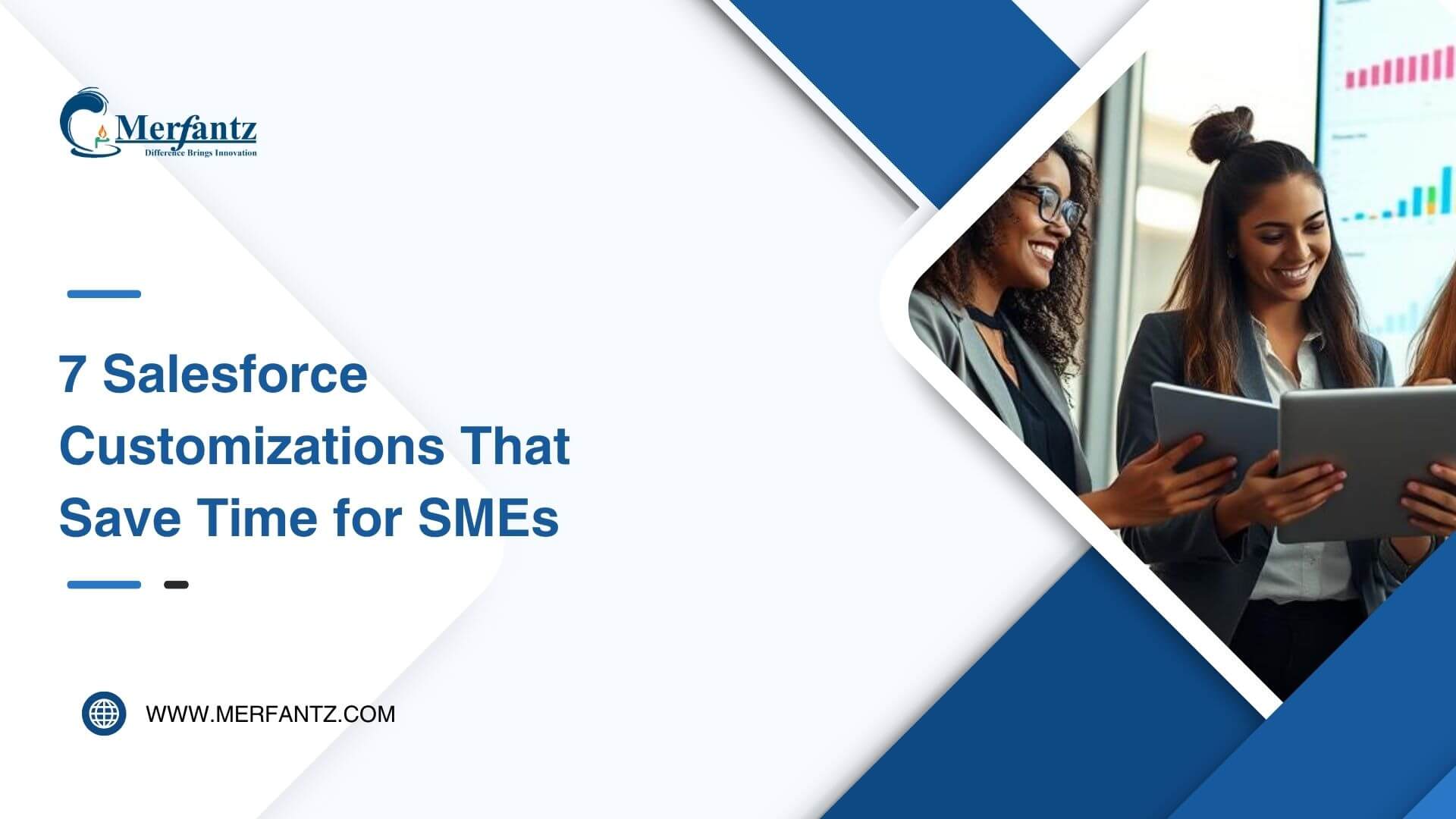
7 Salesforce Customizations That Save Time for SMEs

  • March 10, 2026
  • Gobinath
  • Salesforce Consulting, Salesforce Consulting Services
  • 0

I once lost a deal because a teammate could not find a customer’s last note between meetings. That single missed detail cost hours of follow-up and a lost sale.

Since then, I made it my mission to turn our CRM into a true time-saver. I focus on quick wins that boost efficiency without overhauling our entire software stack.

salesforce customizations for small business

My approach favors configuration first, then targeted customization when a gap remains. The right platform setup centralizes contact history, automates routine tasks, and puts crucial data where the team needs it.

With embedded AI and the right apps, I cut clicks, clean up records, and speed follow-ups so sales keeps momentum and customer service improves every time. Below, I preview seven tweaks that save real time and map directly to our business goals.

Key Takeaways

  • Prioritize configuration before heavy customization to save time and cost.
  • Standardize fields and reports so any team member can act quickly.
  • Use mobile tools to keep deals moving between meetings.
  • Lean on vetted apps to add features fast without custom builds.
  • Embed automation and AI to free the team for higher-value work.

Why I recommend a CRM-first approach for small businesses right now

I recommend putting the CRM at the center — it keeps people aligned and reduces wasted time. A single source of truth means every user sees the same customer record, stage, and next action. That clarity helps the team focus on the right work and meet our goals.

Aligning goals, processes, and teams around one view

I map strategy into clear processes inside the crm platform, so daily tasks reinforce our plan. That straight path from strategy to action improves management and shortens handoffs.

Keeping marketing and sales connected creates a feedback loop that routes campaign information back to the system. This loop turns scattered information into usable insights.

What “present” means: cloud, mobile access, and AI-backed productivity

I choose cloud-first platforms so data scales and users can work anywhere. Mobile updates keep records current and make reports reliable.

I enable practical automation and AI capabilities to prioritize leads, suggest follow-ups, and surface insights. That saves clicks and gives the team time to sell.

Seven time-saving Salesforce customizations for small businesses

I focus on targeted tweaks that remove friction and save time. Small layout changes, a few new fields, and hand-picked automation often deliver the fastest wins.

Tailored page layouts and custom fields make key information visible at a glance. I remove unused features, group fields by process stage, and add defaults and validation so users capture the right data on the first try.

Lightweight custom objects let us track unique items—partner tiers or rentals—without bloating the platform. I build objects with only the fields we need so the CRM mirrors our real-world process.

time-saving customizations

Flow-driven automation creates tasks, routes approvals, and fires reminders when stages change. These point-and-click workflows cut manual updates and keep sales momentum.

I enable lead scoring and auto-assignment to route hot leads instantly. Reusable email templates and simple sequences standardize follow-ups and shorten time-to-send.

Finally, role-based dashboards and reports give the team fast insights and forecasts. I add AppExchange apps for common needs and use MuleSoft only when deeper integration across operations is required.

salesforce customizations for small business that scale with you

My first step is a rapid needs check: who the users are, which objects and fields we need, and where workflows must be reliable. I also list systems to connect and note compliance points.

salesforce crm

My needs assessment checklist: users, objects, fields, workflows, and compliance

I map current needs and anticipate growth stages. This helps me pick an edition and the right app or integration.

Designing for growth: modular configuration, minimal technical debt, clear ownership

I package each process into its own set of fields, flows, and reports so I can create custom updates without breaking other areas.

I assign a business owner and an admin owner to each solution area to keep management tidy and changes quick.

Driving adoption: training with Trailhead, mobile CRM, and simple user experiences

I use Trailhead paths, short videos, and on-page help to shorten training time. Mobile access and clear screens boost data quality and team buy-in.

Common pitfalls I avoid and the safeguards I put in place

I guard the system by keeping changes small, visible, and tied to real user needs.

Over-customization: I start with configuration and validate requirements with stakeholders. I add only the features that directly improve processes or the user experience. This reduces maintenance and keeps the platform understandable for new users.

Performance slowdowns: I keep pages lean — only essential fields, components, and tools. When workflows grow, I right-size automation so the system stays fast and the team stays productive.

Release update surprises: I document every change—objects, fields, reports, integrations, and workflows. I review release notes ahead of upgrades, test critical paths in a sandbox, and fix conflicts before they affect customers or the team.

Scalability limits: I design modular, reusable components and standard connectors first. That lets the solution scale without heavy rewrites and keeps technical debt low.

My management cadence is light but steady: monthly cleanups, quarterly audits, and a short feedback loop with users. That keeps data healthy and prevents small issues from becoming big problems.

Conclusion

ROI, clarity, and steady gains are the goals I aim for. I’ll finish with a simple path you can take this week to make measurable time savings.

I use the salesforce crm as our central crm platform and crm system of record so the team shares one view of the customer and data. Start by mapping needs, enable standard features, and then create custom enhancements that pay back quickly.

The seven wins—fields, objects, Flow automation, lead routing, email templates, reports, and smart integration—boost efficiency and insights without heavy lifts. Use Trailhead and AppExchange to add capability fast; call on MuleSoft when deeper integration across systems is needed.

Pick one process to improve this week, schedule a short working session, and run quarterly tune-ups. With simple, user-first solutions, your sales, marketing, and customer operations will compound improvements month after month.

FAQ

What are the most impactful CRM-first steps I can take right now?

I recommend starting with a clear goals map: define sales targets, service KPIs, and marketing outcomes. Then consolidate customer data into a single CRM system and set up mobile access so your team can update records wherever they work. Finally, add lightweight automations—like lead routing and follow-up reminders—to reduce manual tasks and free time for high-value work.

How do I decide which page layouts and custom fields my team really needs?

I run quick workshops with sales, service, and marketing to list every task they perform and the data they need. From that I create lean page layouts that surface critical fields only, plus a handful of custom fields for unique workflows. That keeps screens uncluttered and improves data quality without overloading users.

When should I use a custom object versus an existing record type?

I use a custom object when you must capture distinct data that doesn’t fit into accounts, contacts, leads, or opportunities—like equipment rentals or recurring service logs. If the data can be modeled as a record type or related list, I prefer that to avoid extra complexity and maintenance.

How much automation is too much automation for a growing team?

I automate repetitive, error-prone steps that save time and reduce delays—lead assignment, approval routing, notifications, and task creation. I avoid automating edge-case decisions that need human judgment. Keep automations modular so you can tweak them as processes evolve.

What’s the fastest way to keep sales focused on high-intent leads?

I implement simple lead scoring based on firmographics, engagement, and behavior, combined with auto-assignment rules that route hot leads to the right rep. Pair that with reusable email templates and sequences to ensure timely, consistent follow-ups.

How do I create dashboards that everyone actually uses?

I design role-based dashboards that surface metrics each team needs—pipeline health for sales, case resolution for support, campaign performance for marketing. I keep visuals minimal, use clear goals, and schedule regular reviews so dashboards become part of daily routines.

Which integrations should I prioritize to improve day-to-day operations?

Start with core systems that carry customer context: email, accounting, and appointment scheduling. Then connect marketing platforms and product databases. I favor prebuilt connectors from AppExchange or lightweight MuleSoft links to avoid custom integration debt.

How do I ensure my configuration scales without creating technical debt?

I design modular components—reusable fields, flows, and Lightning pages—with clear ownership and documentation. I prefer declarative tools over code when possible and limit custom code to truly necessary cases. Regular reviews and a simple naming convention help prevent chaos as you grow.

What training approach works best to drive adoption fast?

Short, role-specific sessions plus hands-on exercises win every time. I combine Trailhead modules, quick reference guides, and recorded demos. Pair training with in-app tips and a feedback loop so I can iterate on the user experience quickly.

How do I protect performance as I add fields and automations?

I monitor page load times and optimize by trimming nonessential components, using formula fields sparingly, and batching automations. I also limit synchronous processes and prefer asynchronous jobs where possible to keep the interface responsive.

What safeguards do you use to avoid release-related surprises?

I subscribe to official release notes, maintain a sandbox for testing, and run a short regression checklist before and after each major update. Documentation and a small cross-functional review team reduce unexpected impacts on users.

How do I measure ROI from these customizations?

I track time saved on repetitive tasks, conversion rate improvements, and reduction in manual errors. I set baseline metrics before changes and report improvements through dashboards that show time-to-close, case resolution time, and user adoption rates.

Can I start small and expand automation over time?

Absolutely. I start with high-impact, low-risk automations and iterate. That gives immediate wins, builds stakeholder trust, and creates a roadmap for scaling capabilities like advanced analytics and AI-backed recommendations later.

Author Bio

Gobinath
My Profile | + Recent Posts

Co-Founder & CMO at Merfantz Technologies Pvt Ltd | Marketing Manager for FieldAx Field Service Software | Salesforce All-Star Ranger and Community Contributor | Salesforce Content Creation for Knowledge Sharing


  • March 3, 2026
    The Ultimate Salesforce Maintenance Checklist
  • February 24, 2026
    How to Prepare Your Company for Salesforce Implementation
  • February 17, 2026
    Salesforce Dashboard Mistakes That Kill Visibility
  • February 10, 2026
    Why Salesforce Implementations Fail — And How to Fix Them
Tags: Salesforce CustomizationsSmall Business EfficiencyTime-Saving Solutions

Gobinath

Co-Founder & CMO at Merfantz Technologies Pvt Ltd | Marketing Manager for FieldAx Field Service Software | Salesforce All-Star Ranger and Community Contributor | Salesforce Content Creation for Knowledge Sharing
https://www.salesforce.com/trailblazer/gobinath
  • Next The Ultimate Salesforce Maintenance Checklist
Merfantz Technologies is a leading Salesforce consulting firm dedicated to helping small and medium enterprises transform their operations and achieve their goals through the use of the Salesforce platform. Contact us today to learn more about our services and how we can help your business thrive.

Discover More

Terms and Conditions
Privacy Policy
Cancellation & Refund Policy
Information Security Policy

Contact Info

  • No 96, 2nd Floor, Greeta Tech Park, VSI Industrial Estate, Perungudi, Chennai 600 096, Tamil Nadu, INDIA
  • (+91) 44-49521562
  • [email protected]
  • 9:30 IST - 18:30 IST

Latest Posts

7 Salesforce Customizations That Save Time for SMEs March 10, 2026
The Ultimate Salesforce Maintenance Checklist March 3, 2026
How to Prepare Your Company for Salesforce Implementation February 24, 2026

Copyright @2023 Merfantz Technologies, All rights reserved